
GA4 Event Taxonomy and Naming Conventions That Scale
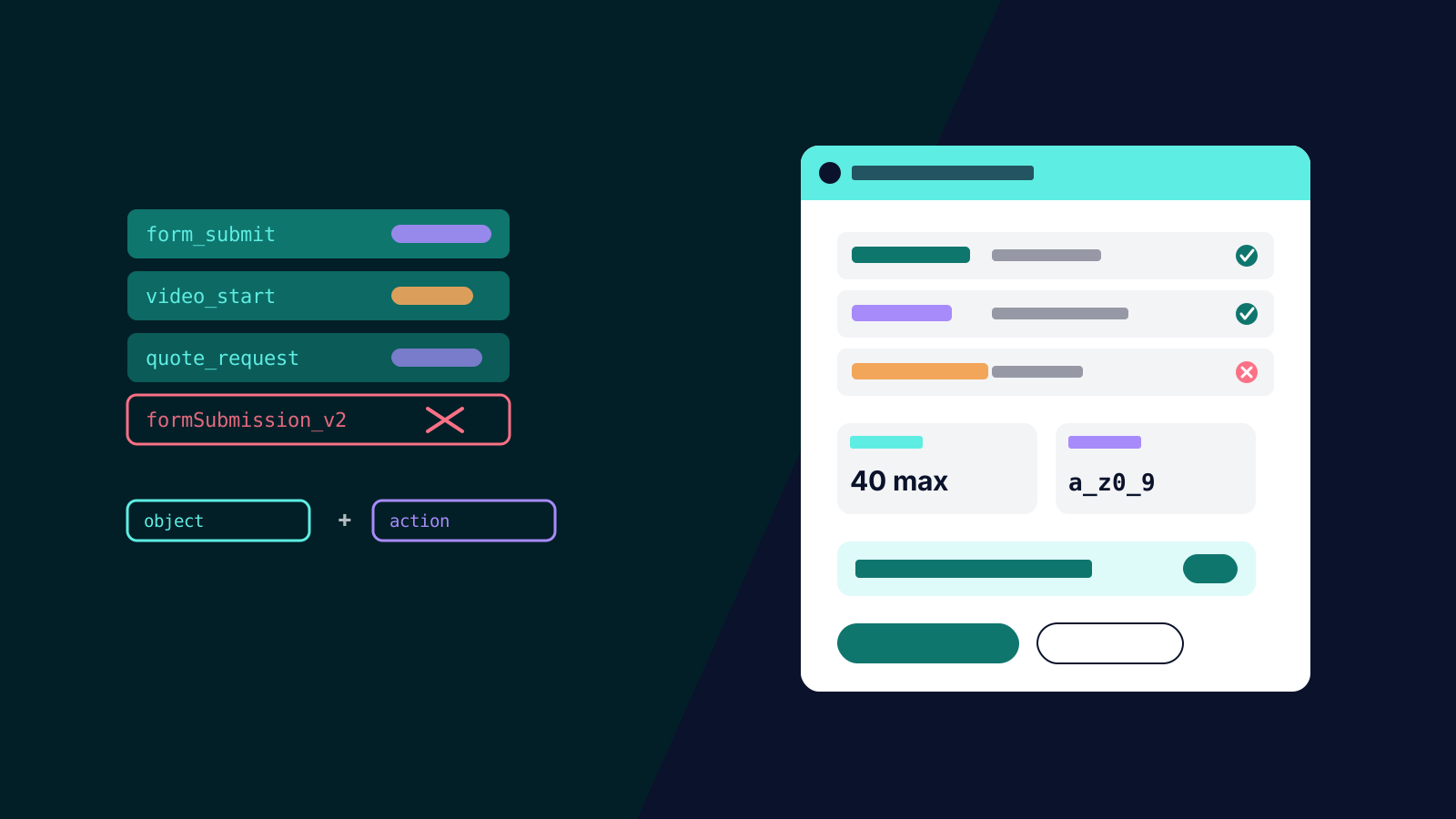
Open a three-year-old GA4 property and you can read its history like tree rings: `form_submit`, `formSubmission`, `submit_form_new`, `contact_form_v2_FINAL`. Four implementers, four conventions, and now nobody can build a funnel without an archaeology phase first. None of this is a tooling failure. GA4 will accept almost any event name you send it, which is precisely the problem: the discipline has to come from you, and it has to exist before the tags do.
A taxonomy is that discipline written down. It takes an hour to define, and it is the difference between a property that stays queryable and one that quietly rots. Here is a system that survives growth, staff turnover and agency handovers.
Work Within the Platform's Rules First
GA4 imposes hard constraints that your convention must respect. Event naming rules require names to start with a letter, use only letters, numbers and underscores, and stay under 40 characters; names are case sensitive, so `sign_up` and `Sign_Up` become two different events and half your data disappears from every report that filters on one of them. Reserved prefixes (`google_`, `ga_`, `firebase_`) are off limits. And before inventing anything, use Google's automatically collected and recommended events where they exist: `purchase`, `generate_lead`, `sign_up` and their siblings get special treatment in reporting and downstream ad products, so a custom event should only exist where no recommended event fits.
The Convention: Object, Action, and Nothing Clever
The pattern that stays legible is `object_action` in lowercase snake_case: `form_submit`, `video_start`, `quote_request`, `filter_apply`. Objects and actions come from short controlled lists you maintain (five to ten of each covers most sites), which prevents the synonym drift (`click`, `tap`, `select`, `press`) that multiplies event names without adding information.
The companion rule does most of the work: variation goes in parameters, not in names. One `form_submit` event with a `form_name` parameter beats `contact_form_submit`, `quote_form_submit` and `newsletter_form_submit`, because reports aggregate cleanly, new forms require no new tracking, and parameters were designed for exactly this. The test for any proposed new event: is this a genuinely new behaviour, or an existing behaviour on a new object? Only new behaviours earn new names. Remember that custom parameters you want in reports must be registered as custom dimensions, which have their own limits, so parameter names belong in the same controlled vocabulary.
Document all of it in a tracking specification: event name, when it fires, parameters with allowed values, destinations, owner, date added. This is the artefact your measurement plan turns into, and it belongs in version control next to your GTM container exports.
UTM Governance: The Same Disease, The Same Cure
Campaign tagging rots identically: `Facebook`, `facebook`, `fb` and `meta` as four sources, mixed-case mediums, and campaign names that meant something to whoever launched them. Because GA4's channel groupings key off exact source and medium values, sloppy UTMs silently misfile traffic and quietly corrupt every channel report and every audience built on them.
The cure is a shared tagging sheet with locked vocabularies: lowercase everything; a fixed source list (`google`, `facebook`, `linkedin`, `newsletter`); mediums matched to GA4's channel definitions (`cpc`, `email`, `social`, `referral`); and a campaign name pattern with stable separators, such as `au_2026-q4_demandgen_spring-sale`, so names parse in reports and in BigQuery. Build links only through the sheet's generator formula, never by hand, and audit quarterly: one query of source/medium combinations surfaces every violation in minutes.
Keeping It Alive
Three habits protect the investment. Gate new events through a named owner, so nothing enters the property without touching the specification; a one-line request process is enough friction. Audit monthly with an event-count-by-name report, which catches rogue events, sudden volume changes and case-sensitivity accidents while they are days old rather than months. And when you inherit a mess, do not rename history: GA4 modifications only apply forward, so define the clean taxonomy, migrate tags to it, and record the changeover date, keeping the old names queryable for year-on-year comparisons until they age out.
None of this is intellectually hard. It is governance, which is why it is rare, and why properties that have it produce analysis in minutes that takes others days. If your property already has tree rings, our analytics team runs taxonomy cleanups as part of GA4 configuration work, specification and governance included. Get in touch.