
GA4 BigQuery Export: What It Unlocks and How to Start
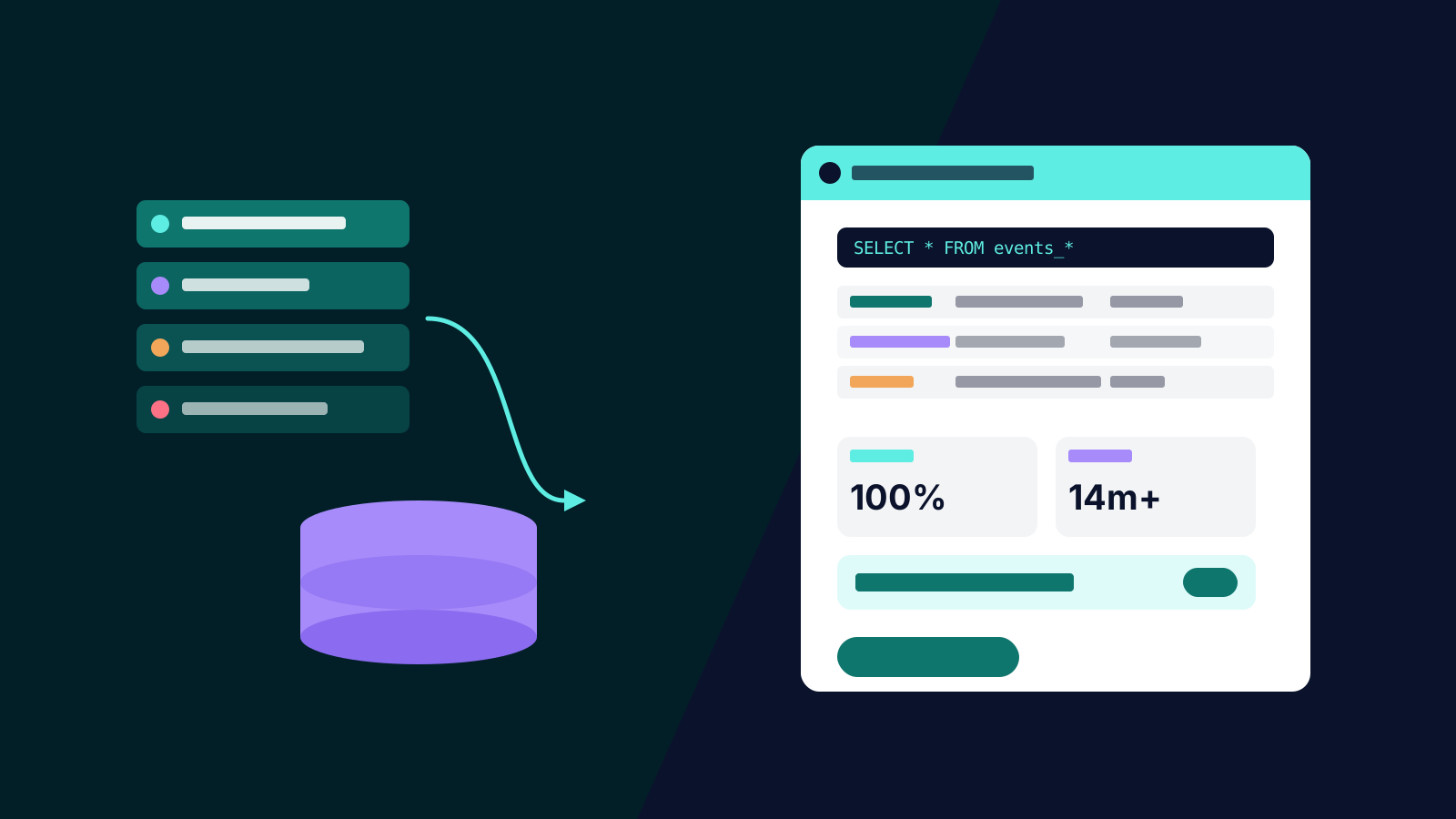
The GA4 interface is a window onto your analytics data, and the window has bars on it. Sampling kicks in on complex queries, cardinality limits collapse your dimension values into "(other)", explorations cap out, and standard properties retain event-level data for a maximum of fourteen months. Every one of those constraints disappears the moment you switch on the BigQuery export — a feature that was enterprise-only in Universal Analytics and is free for every GA4 property.
Most organisations that would benefit have not enabled it, usually because it sounds like infrastructure that needs a data team. It is not. This article covers what the export unlocks, what it costs, and the first analyses worth running.
What the Export Actually Is
Once linked, GA4 writes a copy of your raw event data into a BigQuery dataset you own — every event, every parameter, every user property, with no aggregation, no sampling and no thresholding. Daily batch export delivers a complete table for each day; streaming export adds a near-real-time table if you need it. Setting it up takes under an hour: create a Google Cloud project, link it from GA4 admin, choose your export options and region.
The single most important fact about the export: it is not retroactive. Data starts accumulating from the day you enable the link, and nothing before that date can ever be recovered into BigQuery. This is why the right time to enable the export is before you have a specific use for it. Every month of delay is a month of history you will never get back.
What It Unlocks
The export removes the interface's constraints, but the genuinely new capabilities come from what you can do with raw data that GA4's reports cannot.
- Unsampled, unthresholded analysis. Any query, over any date range, across any combination of dimensions, returns complete answers. No "(other)" rows, no sampling notices, no cardinality ceilings.
- Retention beyond fourteen months. Standard GA4 properties delete event-level data after fourteen months at most. Your BigQuery copy is permanent, which means year-on-year cohort and seasonality analysis becomes possible from the second year onward.
- Joins with your own data. This is the big one. Match analytics behaviour to CRM outcomes, margin data, lead quality scores or subscription status, and you can finally answer questions like which campaigns produce customers who stay, rather than which campaigns produce conversions. It is the same principle we described in building a single customer view without a data warehouse — except here the warehouse costs almost nothing and Google fills it for you. The user-data export adds a dedicated table keyed by user ID to make these joins cleaner.
- Custom attribution and funnels. Session definitions, channel groupings, funnel steps and attribution logic all become yours to define, rather than Google's defaults to accept.
- Feeding other systems. The export becomes the source for dashboards, forecasting models and audience pipelines that need event-level input.
What It Costs
For most small and mid-sized properties, effectively nothing. BigQuery's free tier covers ten gigabytes of storage and one terabyte of query processing per month; a site doing a few hundred thousand events monthly typically stays inside it or incurs a few dollars. Costs scale with data volume and, more importantly, with undisciplined querying — the classic mistake is dashboards that repeatedly scan every daily table since the beginning of time. Partition filters and scheduled summary tables keep even large properties in the tens of dollars per month.
One caveat for high-traffic sites: the daily batch export on standard properties is capped at one million events per day. Beyond that you need streaming export or a 360 licence, and the economics deserve a proper look first.
Where to Start Querying
The GA4 export schema takes some getting used to — one row per event, with parameters packed into nested key-value structures that need unnesting. The community resource GA4BigQuery maintains worked query patterns for most common questions and is the fastest way past the initial learning curve.
Three first analyses that justify the setup on their own:
- Landing page × channel × conversion, unsampled, over a full year. The interface version of this query is usually sampled or thresholded into uselessness.
- True purchase latency: the distribution of days and sessions between first visit and conversion, which reframes how you judge campaign windows and attribution settings.
- Event audit: counts of every event name by day, which surfaces tracking breakages and duplicate firing within minutes — problems that hide for months inside standard reports. If your event architecture itself needs work first, start with our guide to advanced GA4 configuration.
Getting It Done
The honest division of labour: enabling the export is an hour of admin work anyone can do today, and should be done today because of the no-backfill rule. Producing reliable analysis from it takes SQL skills and familiarity with the schema — a few days of a capable analyst's time to build the core summary tables, after which querying is routine.
If you do not have that capability in-house, our analytics team builds GA4-to-BigQuery pipelines and the reporting layer on top, usually as part of a broader GA4 configuration engagement. Either way: switch the export on this week. Future you, twelve months from now, will have a year of event-level history because of it.