
The AI Max Migration: What Changed in September and What to Check in Your Account
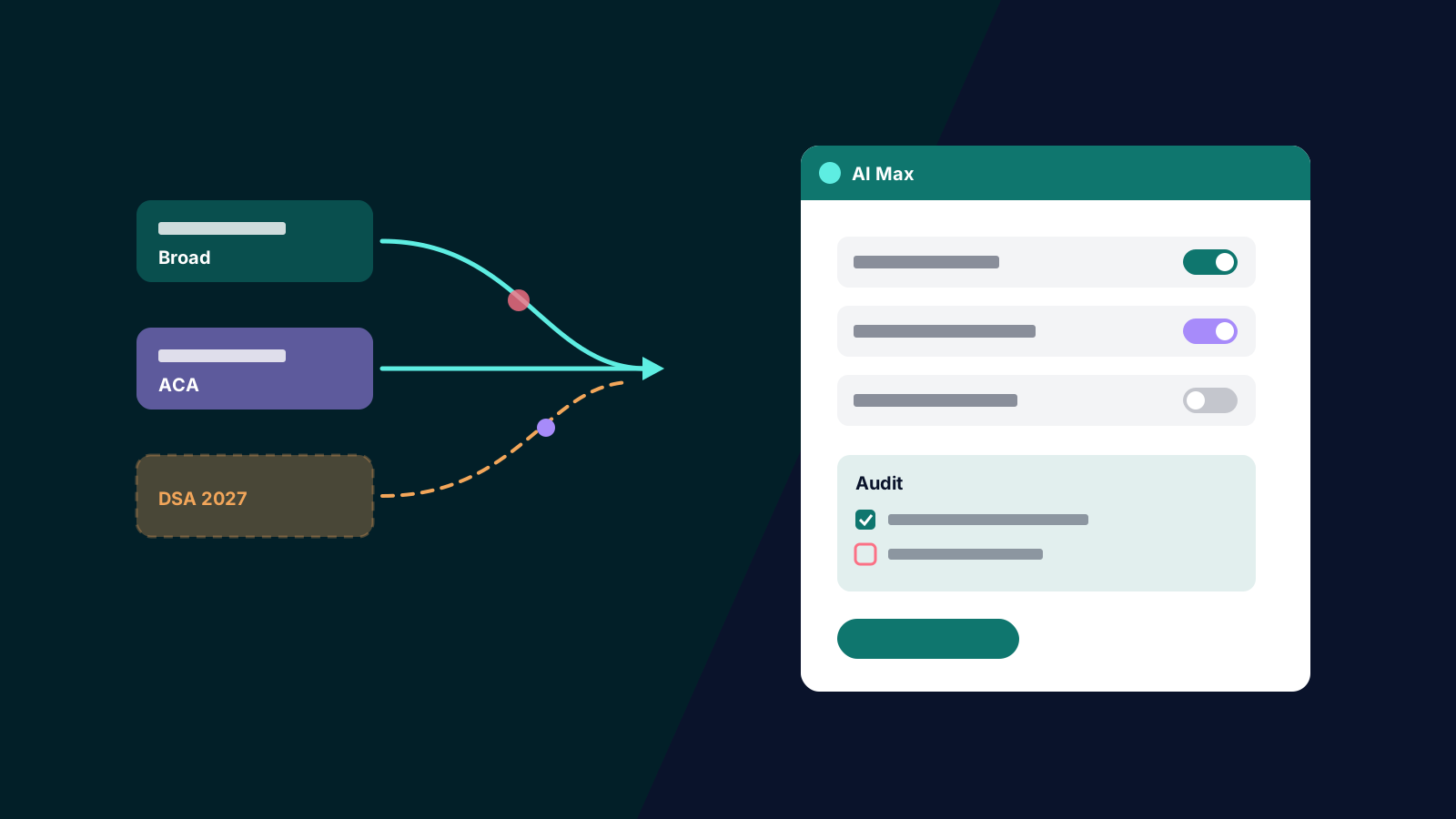
Sometime in September, a share of your Search campaigns probably changed type without anyone in your team clicking a button. Google spent the month automatically upgrading campaigns that used two legacy settings, campaign-level broad match and automatically created assets, into AI Max. The change was well signposted, but in our experience plenty of accounts went into peak season without checking what actually moved.
November is the worst time to be running settings you did not choose: budgets rise, bids get pushed and every week counts. This article covers what changed, what did not, and the post-migration audit we are running across client accounts before Black Friday.
What Google Changed, and When
According to the Google Ads Developer Blog, creating new campaign-level broad match settings or legacy automatically created assets (ACA) has been blocked across the interface, Google Ads Editor and every API version since 3 August 2026. From 1 September, Google began upgrading existing campaigns that used either setting to AI Max in place, rolling out progressively through to 30 September.
The defaults differ depending on where a campaign started. Campaigns on campaign-level broad match were upgraded with search term matching on, but text customisation and final URL expansion off, and their existing brand inclusions and exclusions were carried across. Standalone ACA campaigns got search term matching on and text customisation (the new name for automatically created assets) on, with final URL expansion off. Campaigns that used neither setting, such as exact and phrase match campaigns without ACA, were out of scope. Google's broad match setting help page confirms that campaigns with broad match keywords but without the campaign-level setting were unaffected.
For teams using scripts or tools, the developer post says API versions released after 1 September 2026 remove the legacy entities entirely, while older versions keep support until their normal sunset, around September 2027. Anything still writing those settings will break as you upgrade.
Dynamic Search Ads were split out. Google delayed the DSA upgrade and now schedules it for February 2027, so DSA campaigns are still serving as before. Treat that as Google's current plan rather than a certainty; it has already moved once.
One Change Hidden Inside the Migration
The detail most teams miss is keyword prioritisation. Under the old campaign-level broad match setting, broad keywords that matched a search exactly were treated with exact match priority. Google's help documentation says that once a campaign moves to AI Max, broad keywords no longer get that treatment, and recommends adding exact match copies of your most important keywords if you want the old behaviour back. In a hero-product campaign, that can quietly change which ad and landing page serves your most valuable queries.
The Post-Migration Audit
This is the list we work through, in order. It takes an hour or two per account: cheap insurance before the most expensive weeks of the year.
- Identify which campaigns migrated. Check change history and campaign settings, or query the
aca_migration_date_timeandbroad_match_migration_date_timecampaign fields through the API if you manage many accounts. - Confirm the AI Max settings match your intent. Check search term matching, text customisation and final URL expansion on each migrated campaign, and switch off anything you would not have chosen deliberately.
- Check brand controls. Confirm brand inclusions and exclusions came across intact, especially on brand and competitor campaigns, and revisit the logic from our brand bidding framework.
- Review the search terms report filtered to the AI Max match type. Google's AI Max reporting guide explains the filter and the "Search terms and ad combinations" view, which shows the headline and landing page behind each query. Add negatives where the expansion has drifted.
- Audit landing pages. If final URL expansion is on anywhere, use the landing pages report and its "Selected by" column to see where Google sent traffic, and add URL exclusions for pages that should never receive paid clicks.
- Read the text customisation outputs. Generated assets show as "Google AI" in the asset report. Check claims, pricing and compliance language, especially during a sale.
- Restore exact match priority where it matters, by adding exact copies of high-value keywords.
- Compare performance carefully. Set conversions and CPA (or ROAS) for migrated campaigns against an equivalent pre-migration window, and against the same weeks last year.
Reading the Numbers in Peak Season
The last check is where most bad decisions get made. A November CPA compared with an August CPA tells you mostly about November: peak demand lifts conversion rates and auction prices together. In our experience the more reliable read comes from comparing migrated and unmigrated campaigns over the same weeks, or from year-on-year changes set against the account's own seasonal pattern, rather than from a simple before-and-after.
For a clean answer on whether AI Max earns its keep, a proper test beats a dashboard. Our guide to running trustworthy Google Ads experiments covers the design, though for most retailers we would plan that test for January rather than run it through Black Friday. For the full set of controls, see our AI Max setup and controls guide, and for budget pacing over the next six weeks, our peak season preparation guide.
If you would like a second pair of eyes on what the migration changed in your account, our paid search team runs this audit as part of every peak season review. Get in touch.