
Using GA4 Exploration Reports to Find CRO Opportunities
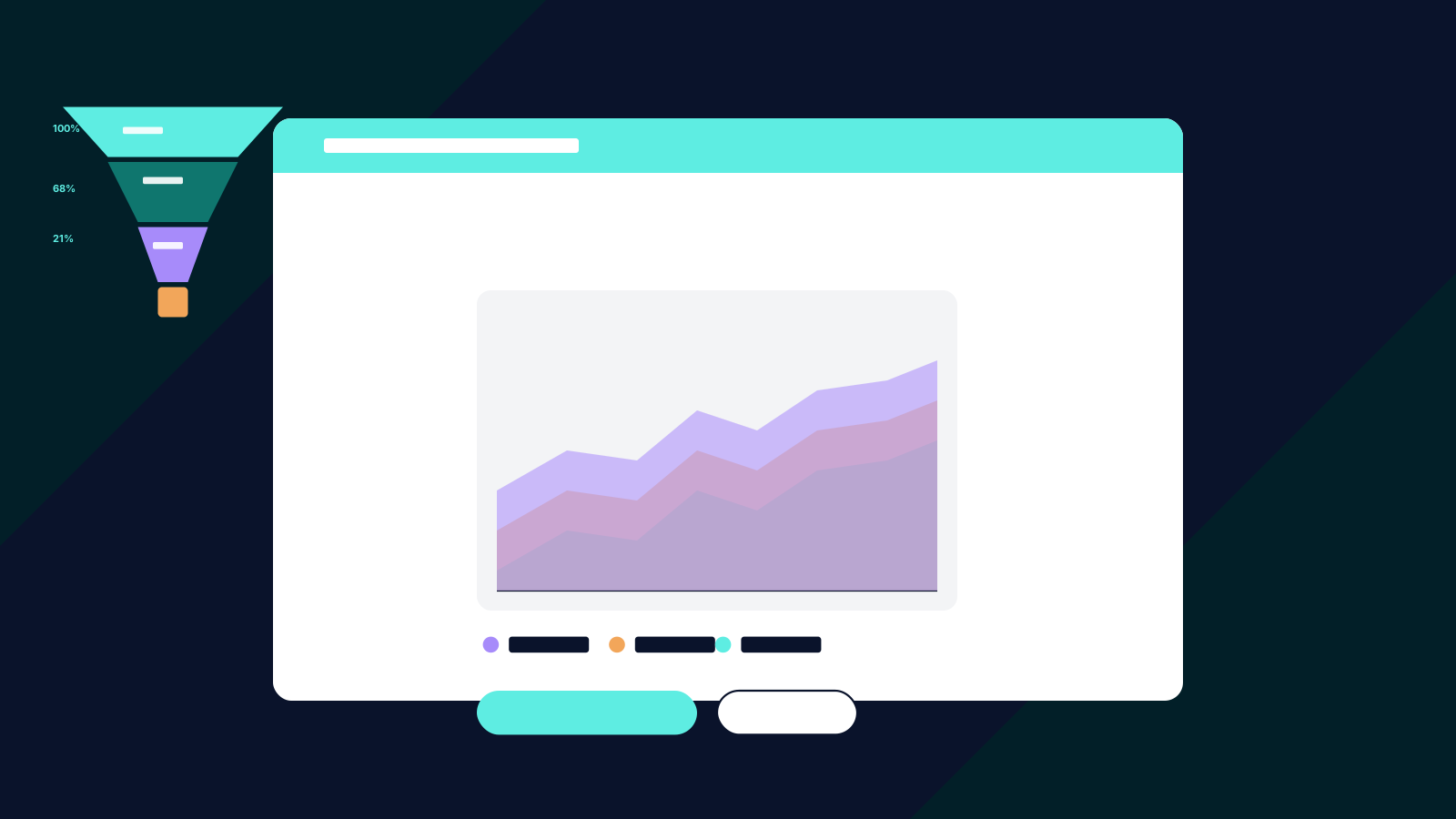
Google Analytics 4 includes a powerful set of exploration reports that go far beyond standard reporting. While most teams use GA4 for basic traffic and conversion metrics, the exploration workspace provides the analytical tools needed to identify specific CRO opportunities: where visitors drop off, what paths lead to conversion, and which audience segments behave differently.
Here is a practical guide to using three GA4 exploration techniques for CRO analysis.
Funnel Exploration: Mapping the Drop-Off Points
Funnel exploration is the most directly useful GA4 tool for CRO. It lets you define a sequence of steps in the conversion path and see what percentage of users complete each step.
To build a useful funnel, map the key stages of your conversion process. For ecommerce, this might be: product page view, add to cart, begin checkout, add payment info, purchase. For lead generation: landing page view, form start, form submit, thank-you page.
The funnel report shows the drop-off rate at each transition. If eighty percent of users who view a product page add it to the cart, but only thirty percent of those proceed to checkout, the cart-to-checkout transition is your highest-priority CRO focus area.
Apply segments to the funnel to compare behaviour across different audiences. Mobile versus desktop users often show dramatically different drop-off patterns. New versus returning visitors may abandon at different stages. These segment-level insights direct your CRO efforts to the specific audience and stage combination where intervention will have the most impact.
Path Exploration: Understanding How Users Actually Navigate
Path exploration shows the actual sequences of pages and events users follow on your site. Unlike funnel exploration, which tests a predefined sequence, path exploration reveals the organic navigation patterns users choose.
Start with a reverse path from your conversion event. This shows every path that led to a conversion, ranked by frequency. You may discover that a significant percentage of conversions come through paths you did not design or optimise for: visitors who enter through a blog post, navigate to the pricing page, return to a case study, and then convert.
Also explore paths from key entry points. If paid search traffic lands on a specific page, where do those visitors go next? If a significant percentage exit immediately, that page needs attention. If they navigate to unexpected areas of the site before converting, the user journey may benefit from more intentional navigation design.
Path data is particularly valuable for analytics-driven CRO because it reveals the gap between the journey you designed and the journey users actually take.
Segment Overlap: Finding High-Value Audience Intersections
Segment overlap exploration compares up to three audience segments and shows where they intersect. This is valuable for identifying high-converting audience characteristics that should be targeted or prioritised.
Create segments for your key audience dimensions: traffic source, device type, geographic region, new versus returning, and engagement level. Compare these segments against your converting audience to find which combinations convert at the highest rates.
For example, you might find that returning visitors from paid social on mobile devices convert at twice the rate of any other segment combination. This insight informs both media strategy, invest more in retargeting on social, and CRO strategy, ensure the mobile experience for returning visitors is optimised.
Segment overlap also reveals underperforming combinations. If desktop visitors from organic search have high engagement but low conversion rates, there may be a specific friction point in the desktop conversion path that is not present on mobile, or vice versa.
Turning Insights into a CRO Roadmap
GA4 exploration reports generate insights, not solutions. The analysis tells you where the problems are. Determining the cause and the fix requires additional investigation: session recordings, heatmaps, user research, or hypothesis-driven testing.
Prioritise the insights by impact. A drop-off point that affects thousands of visitors per month is a higher priority than one that affects hundreds. A segment-level issue affecting your highest-value traffic source is more urgent than one affecting a minor channel.
Document each insight with the data source, the metric, and the hypothesis it suggests. This documentation becomes the foundation of your CRO testing roadmap and ensures that every test is grounded in observed user behaviour rather than assumption.
Revisit these exploration reports monthly. As you fix issues and run tests, the funnel shapes and path patterns will change. New drop-off points will emerge. New audience segments will become visible. The exploration reports are not a one-time analysis but an ongoing diagnostic tool for continuous conversion optimisation.